
GUIDE • 7 min read
Published June 2026 • Reviewed August 2026
Phones do not suddenly become “hard”. They become fiddly. Text looks smaller. Audio gets less clear. Hands get less patient. The right phone makes the basics doable: calling, messaging, reading and getting help.
This guide is organised around needs, not age. If your eyes, ears, hands or confidence are changing, the right phone is the one that makes the basics easier, not more fiddly.
Transparency: This is an editorial guide. It does not use affiliate links, we do not earn commission on purchases and brands do not pay to be included.
Disclaimer: Features and availability vary by model and region. Always check the exact model’s accessibility settings and network compatibility before buying.
Start here: five checks that save money and stress
- Make sure it supports 4G calling (VoLTE). A phone that only supports 3G is a dead end in the UK
- Check you can make text properly large, not just slightly larger
- Check call audio stays clear at high volume, not loud and distorted
- Check it works one handed or with voice, without hunting through menus
- Check how long it will get security updates (especially on Android)
Choose your lane
Smartphone. Best if you want the strongest accessibility toolkit, including captioning, screen readers, magnification, voice control and hearing support.
Simplified smartphone. Best if you want smartphone benefits, but with fewer choices and less visual noise.
Basic or flip phone. Best if you mainly call and text, want physical buttons, and want the least fuss.
What to look for
Vision
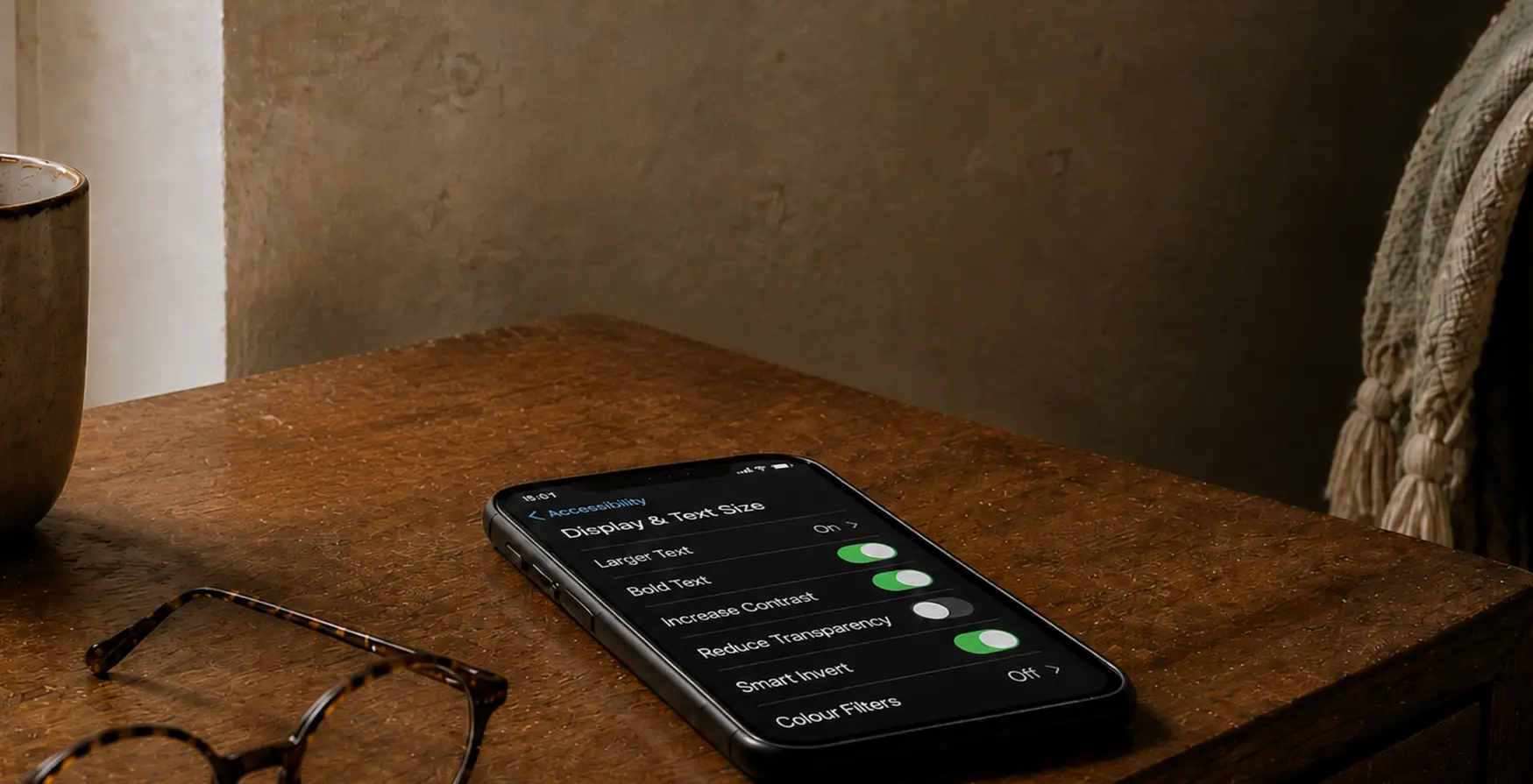
Look for large text that stays readable across apps, strong contrast options, easy zoom and a screen that does not get dim outdoors. In a shop, turn the text size up to what you would actually use. If the layout breaks or labels disappear, walk away.
Hearing
Do not judge sound in a quiet shop. Make a call on speaker. Turn it up. If it distorts, you will hate it later. If you use hearing aids, check the phone supports the relevant hearing features for your device and that you can route calls cleanly.
Hands and motor control
If you deal with tremor, arthritis or reduced dexterity, you want bigger tap targets, reliable voice dictation and shortcuts that reduce steps. Face unlock can be brilliant or annoying depending on the person. Try it, do not assume.
Cognitive load
Big icons are not the same as low effort. The best setup is predictable: fewer apps, fewer alerts and a home screen that only shows what you use. If memory loss is part of the picture, consider devices designed for caregiver managed simplicity but only with consent and clear boundaries.
The shortlist
Read this as “best fit for a need”, not “best overall”. The right phone depends on what is changing for you.
| Phone | Type | Best for | Why it earns a place | Avoid if |
|---|---|---|---|---|
| iPhone 17 / iPhone 17e | Smartphone | The most consistent “it just works” accessibility | Built-in tools are deep and coherent across the system. Strong options for vision and hearing, including Live Captions and hearing features. | You want a lower cost phone, you dislike iOS or you want physical buttons. |
| Google Pixel 11 / Pixel 10a as the lower-cost option | Smartphone | Voice Access, dictation, Live Caption and Live Transcribe | Strong speech and captioning tools. Pixel 8 and later receive seven years of operating-system and security updates from their original release date. | You want the widest choice of phone sizes and styles or you prefer Samsung’s customisation. |
| Samsung Galaxy S26 | Smartphone | Maximum control over how the phone looks and behaves | Lots of ways to tailor display, text, shortcuts and layout. Seven generations of OS upgrades and seven years of security updates. | You want the simplest experience out of the box and do not want to spend time simplifying it. |
| Samsung Galaxy A series (recent models) | Smartphone | A bigger screen for less money | Good value screens and solid accessibility settings, especially once you simplify the home screen. | Long update support is your top priority and you have not checked the exact model’s support window. |
| Chatsie Smartphone | Simplified smartphone | Beginners who want a calmer interface | Designed around a simpler menu and UK support, so you are not fighting a standard smartphone layout. | You want full smartphone flexibility, you like customising or you dislike curated menus. |
| Doro L20 | Flip phone | Widely spaced, high-contrast keys and a large display | Straightforward 4G and VoLTE calling and texting, with loud sound, hearing-aid compatibility and an assistance button that can alert contacts and send your location. | You rely on apps, WhatsApp, maps, email or web browsing, or you send a lot of text messages. |
| Doro L10 | Basic phone | Calls and texts with a wide display and physical keypad | Large keys, loud audio, 4G and VoLTE, hearing-aid compatibility and an assistance button that can send your location. | You need apps, WhatsApp, maps or email, or want a camera for more than occasional basic pictures. |
| Nokia 2660 Flip | Flip phone | Budget flip phone that can work on modern networks | Simple flip format, with VoLTE listed in carrier spec. | You want easy texting, good camera or consistent compatibility across every UK network and MVNO. |
| RAZ Memory Cell Phone | Cognitive-specific device | Dementia or significant memory impairment | Caregiver managed contacts and settings via the RAZ Care app. It is deliberately limited, which is the point. | The user wants a normal smartphone experience or caregiver management is not appropriate or consent is unclear. |
| Lively Jitterbug Smart4 (US) | Simplified smartphone | US buyers who want emergency-response bundles | Built around a simplified menu and service model, with support wrapped around it. | You are in the UK or you do not want a service-led ecosystem. |
Models, prices and availability checked August 2026.
What to test in five minutes in a phone shop
- Turn text size up to your real setting
- Open Messages and Settings. If it feels like a maze, it will not improve at home
- Make a speaker call and turn it up
- Dictate one message and type one message
- Find emergency settings and add an ICE contact
UK reality check: 3G network closures
If you are buying a simple phone, do not accidentally buy a 3G relic. UK operators are switching off 3G, and all operators have confirmed 2G will be switched off by 2033 at the latest.
Translation: choose a phone that supports 4G calling (VoLTE), even if you want “just calls and texts”.
Quick setup that makes any phone easier
- Increase text size and display scaling
- Add the accessibility shortcut so you are not digging through menus
- Reduce notifications to essentials only
- Put the 4 to 6 most used apps on the home screen
- Add ICE contact details
Buying without the sales vibe
Buy somewhere with a decent returns policy. Accessibility is personal. You often only find the deal breaker after a day or two. Refurbished can be a smart route if it gets you a better screen and longer support for less money.
If you have found a phone that is genuinely easier to live with, say which one and why. The most useful details are always the same: what stopped it being annoying.
GE Editorial Note
How this article was made
Sources
This guide was researched using official accessibility information from Apple and Android, independent guidance from RNIB and AbilityNet and current Ofcom information about UK mobile networks. Product details were checked against manufacturers’ published specifications and support information.
Selection
Phones were selected to represent different needs rather than produce a single “best phone” ranking. The comparison considers screen readability, hearing support, physical controls, cognitive load, voice features, security support and UK network compatibility.
This is an independently produced editorial guide, not a hands-on laboratory review. Brands did not pay to be included and the article contains no affiliate links. Features, prices and availability can change, so check the exact model before buying.
Reviewed
Last reviewed August 2026. Product availability, accessibility features, software-support information, UK network guidance and outbound links were checked.
Imagery
AI-generated editorial illustration. It does not depict a real person or event.
Corrections
Found something that needs correcting? Read our Corrections policy or contact us.
Related reading